
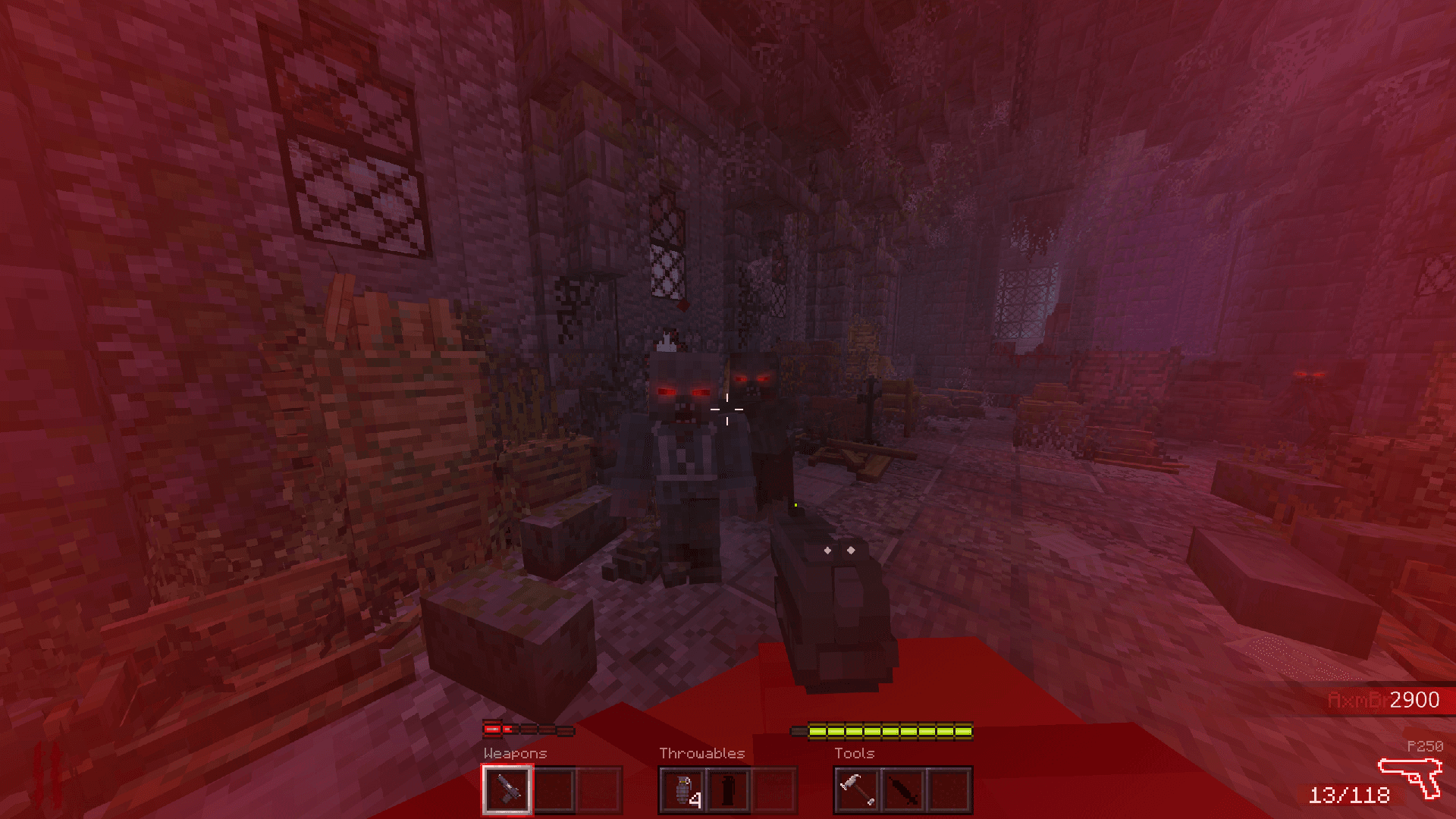
Ra Survival
A Call of Duty Zombies-inspired survival map for MCBE. Commissioned to design and implement immersive custom UI systems that match the game's dark aesthetic.
Project
Overview
Sep 2025
 JsonUIHUDInventory
A Minecraft Bedrock Edition map by Radium, inspired by Call of Duty's Zombies mode. I was commissioned to build the full UI, including hotbars, a gun display, round counters, power-ups, perks, crosshair notifications, and more.
My responsibility was the entire UI logic. I did not create the textures myself; I took the provided assets and built them into a working JsonUI system. Motion and feedback matter a lot here, so watch the showcase video for the systems in action.
The project is still in active development, so textures, icons, and design may change or be adjusted over time.
Similar HUD-focused commission work: Mineville UI.
Media
Everything In Action
Media
Custom Inventory Screen
Showcase
In-game Screenshots
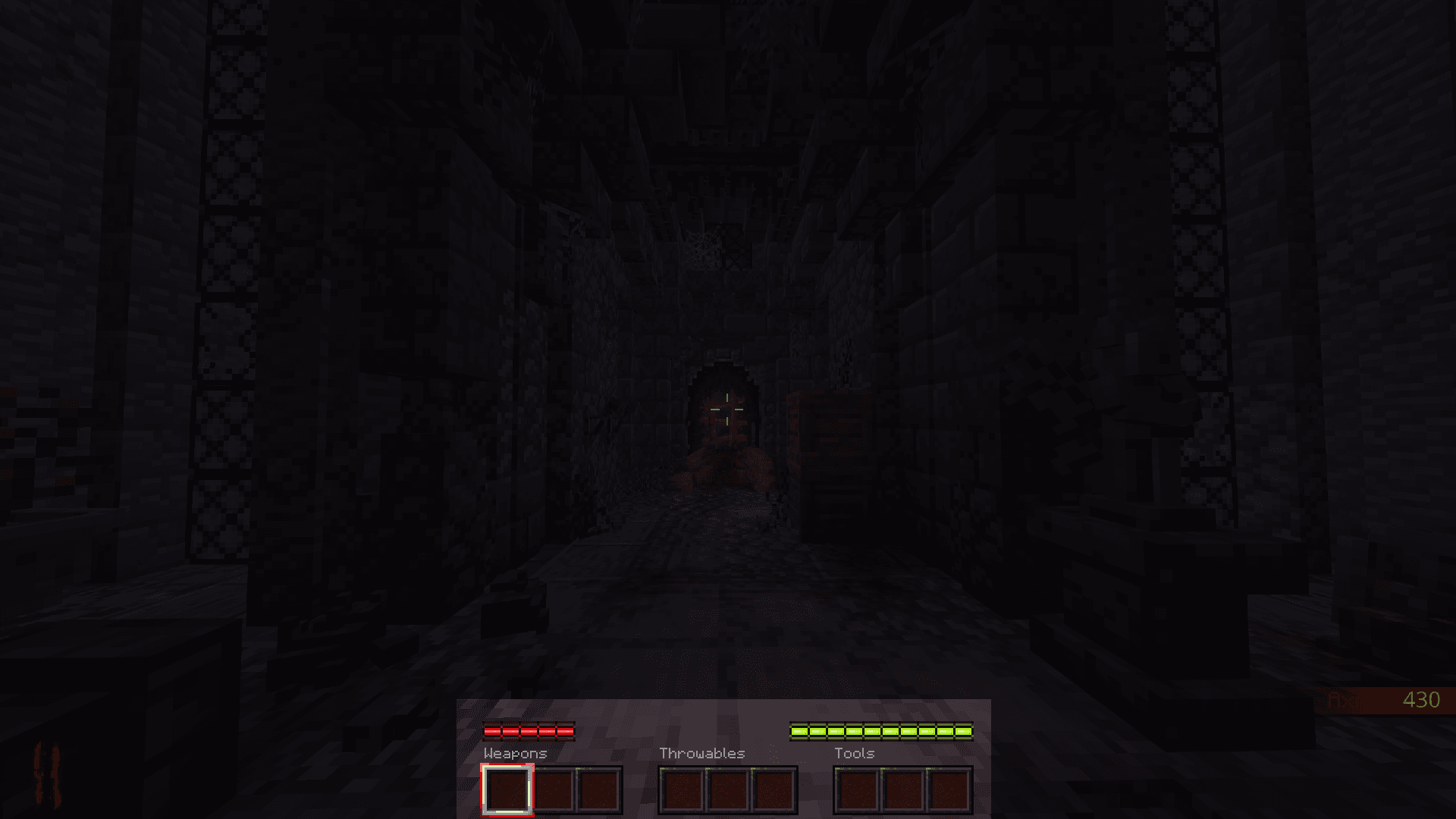
1. Hotbars
Classic vanilla layout has been changed to 3 sections.
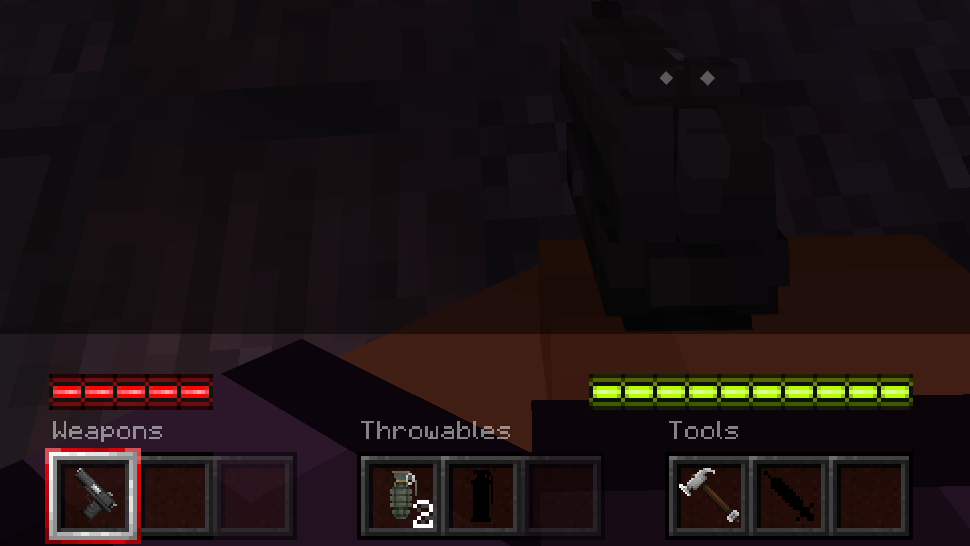
2. Closer look at hotbars
With in-game items it gets more interesting. Slots can also lock based on the item inside - still selectable, but without the selected texture and slightly less visible.
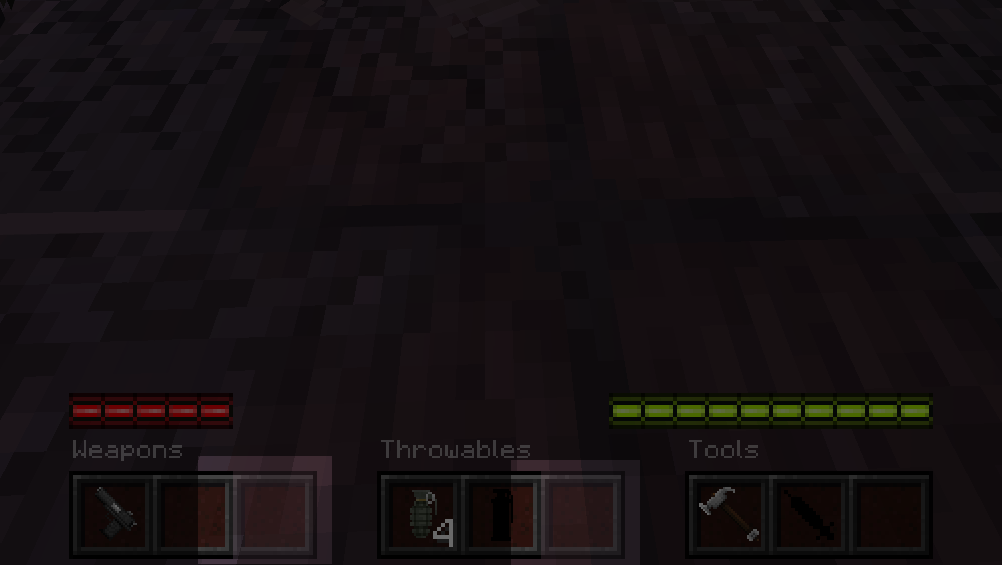
3. Opacity function in hotbars
When player has special items in slot, they are less visible and selected texture is not visible at all - to indicate that player has no access to this slot.
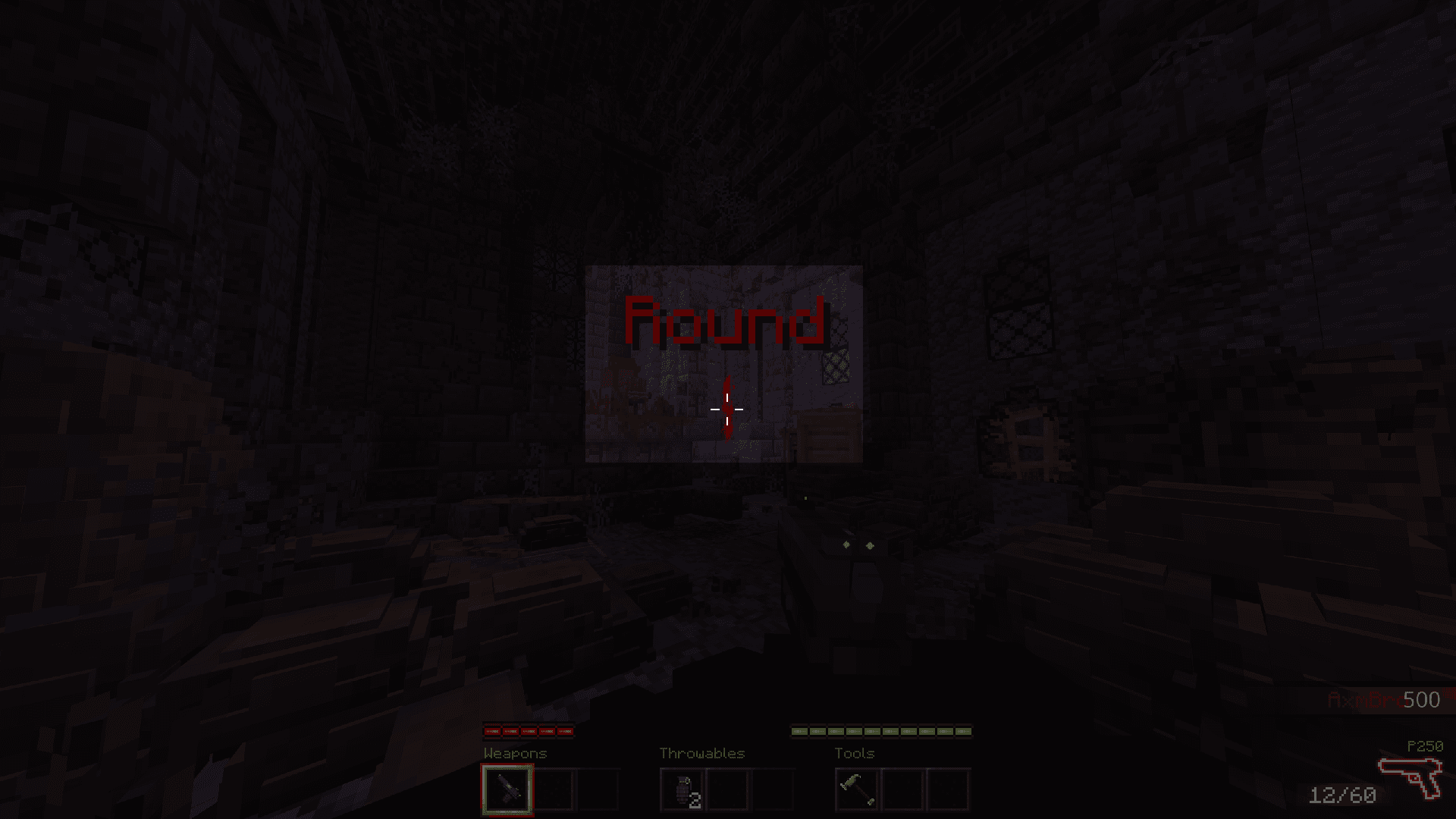
4. Special Round Animation
Is played when player starts game.
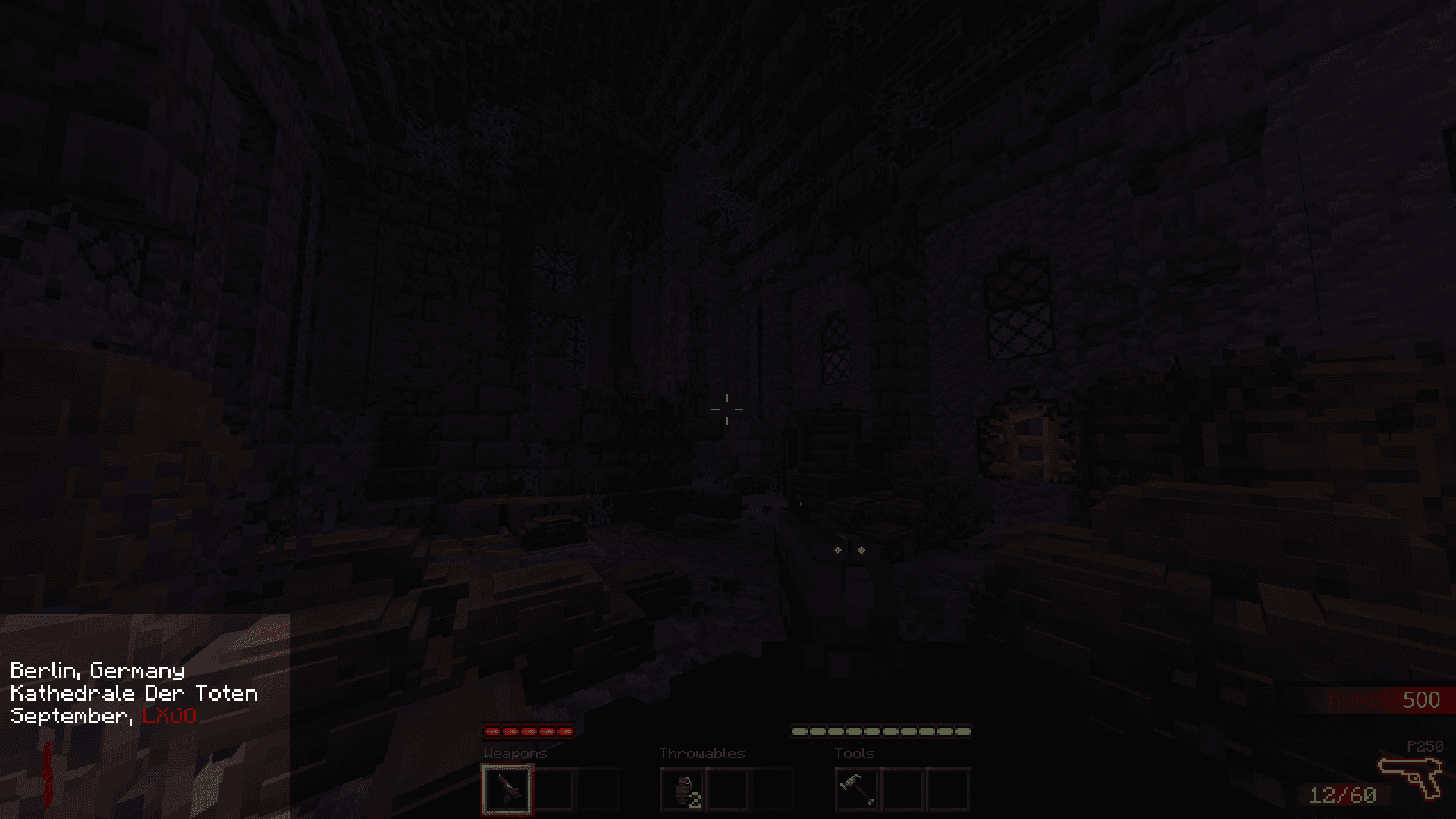
5. Ending of special round animation
Transition out of the round-start animation. Best seen in the development video above.
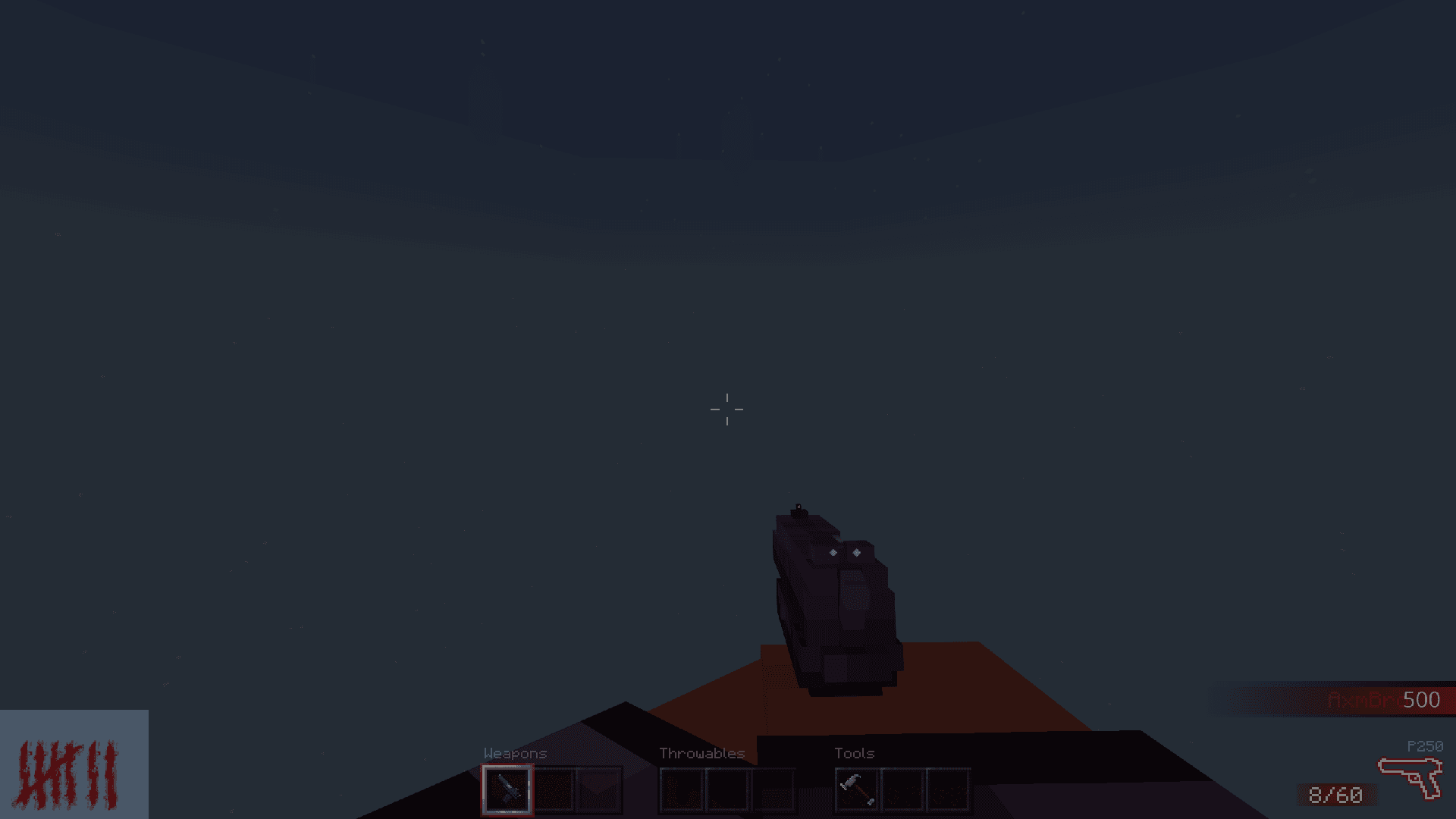
6. Rounds element
Sits in the bottom left corner, showing the current round number with a smooth change animation when switching rounds. To match the three bell sounds, it flashes and shifts color to dark red.
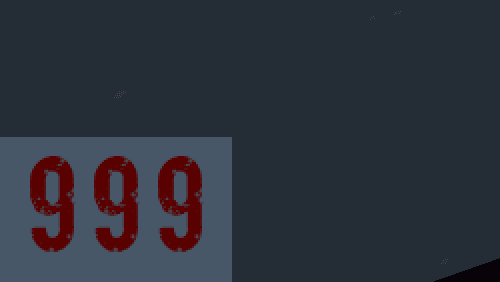
7. Closer look at rounds element
Can display rounds as roman numerals or normal numbers.
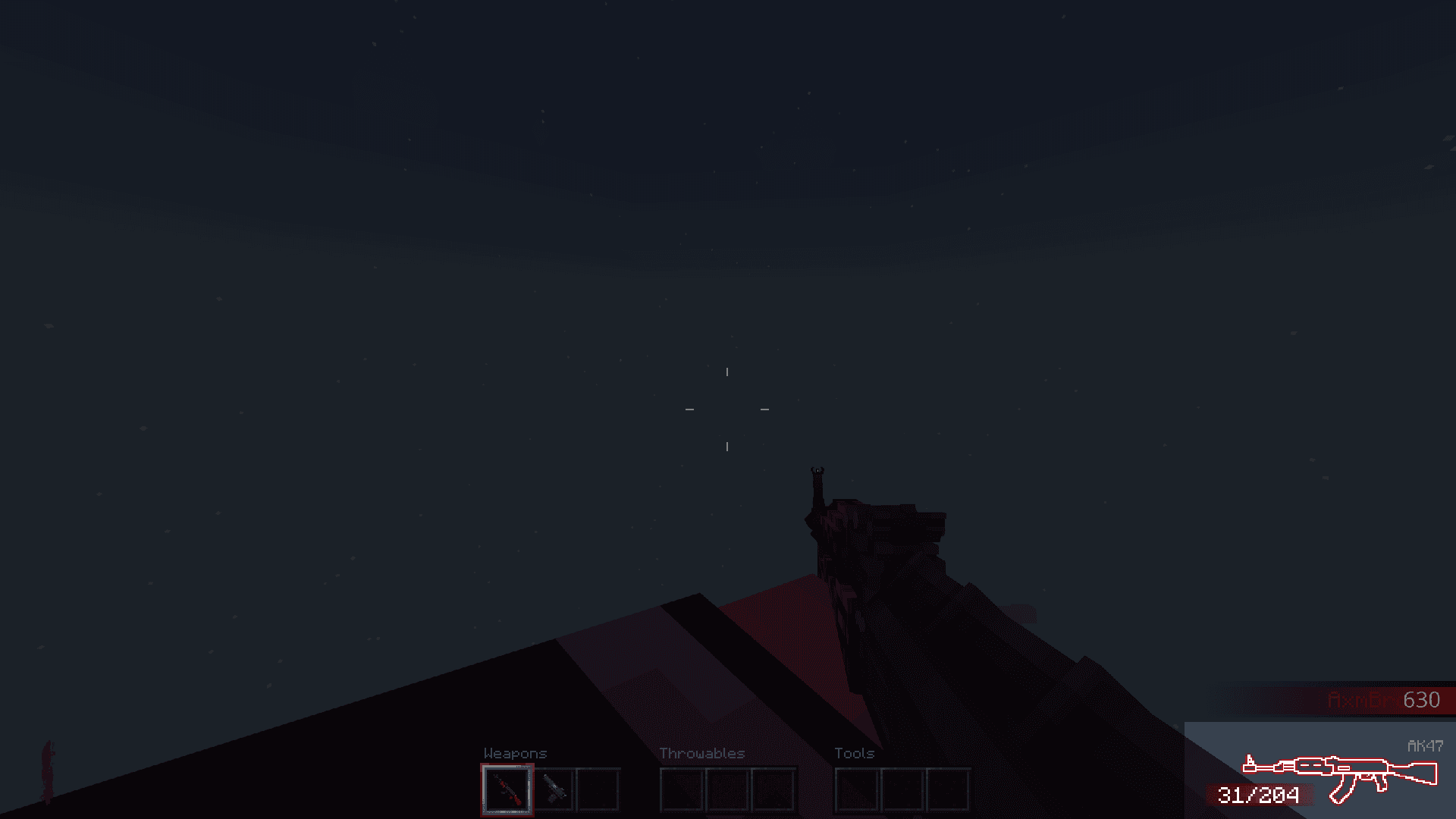
8. Gun display
Sits in the bottom right corner, showing the current gun icon, name, and ammo, with a smooth slide animation when switching guns.
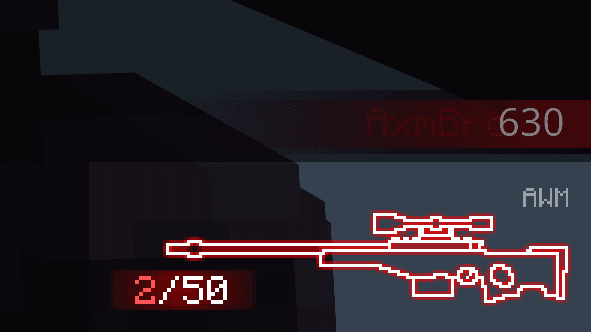
9. Closer look at gun display
When ammo is low, the color shifts to light red.
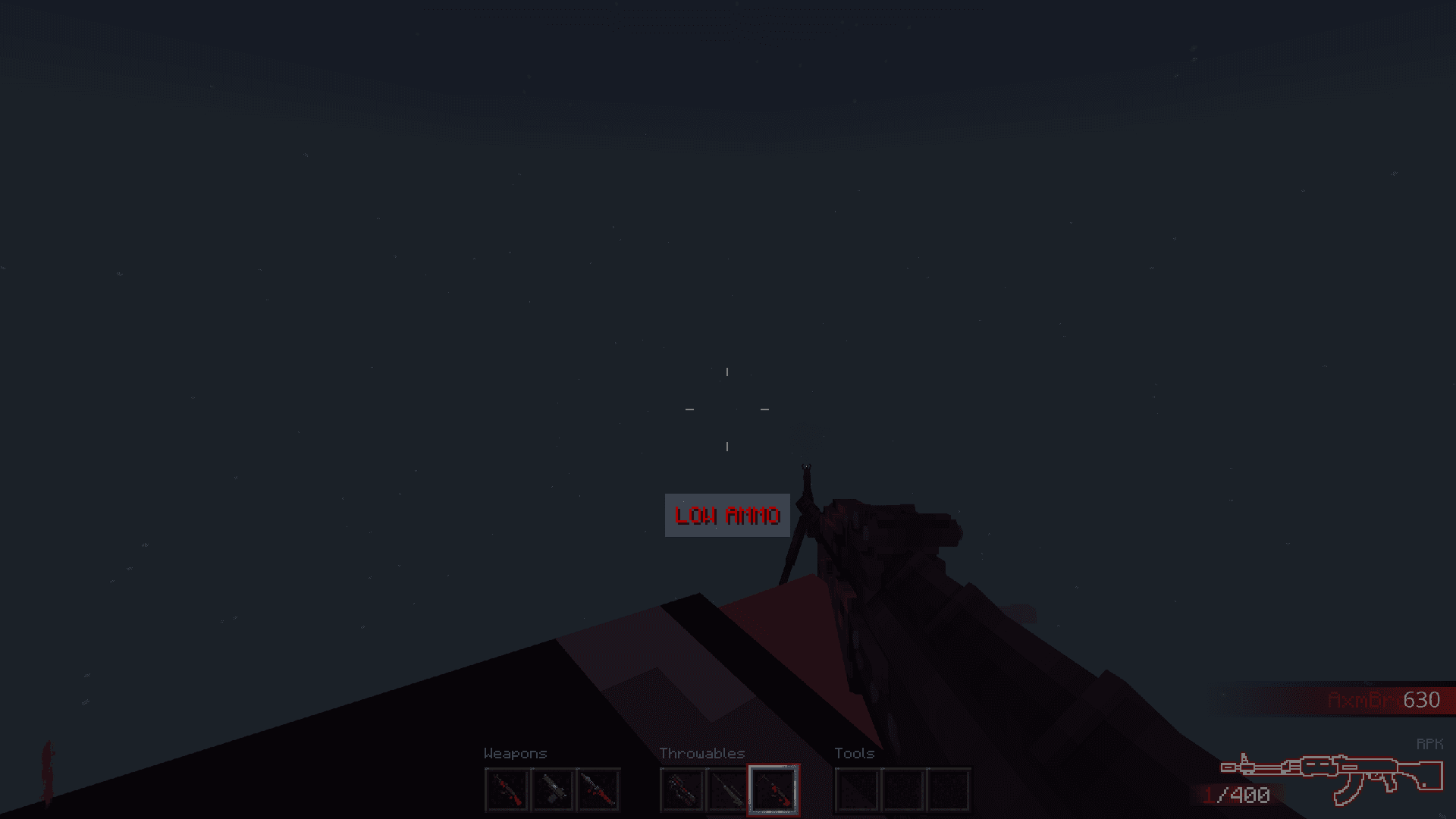
10. Low ammo indicator
When ammo is really low, color is changed to dark red and text appears under crosshair. Also with subtle entry animation!
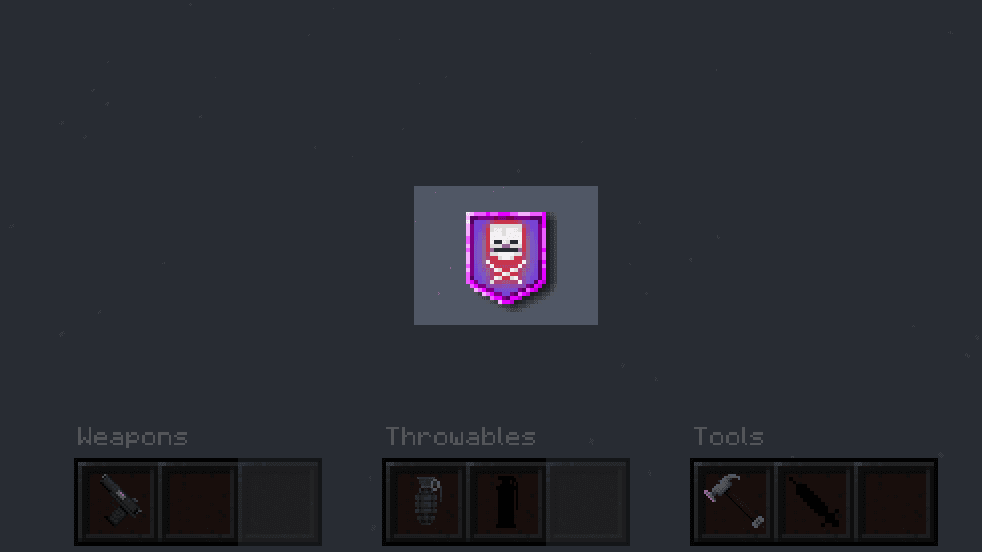
11. Power-Ups
Another UI element above the hotbars. When the player collects a power-up, it plays entry and exit animations.
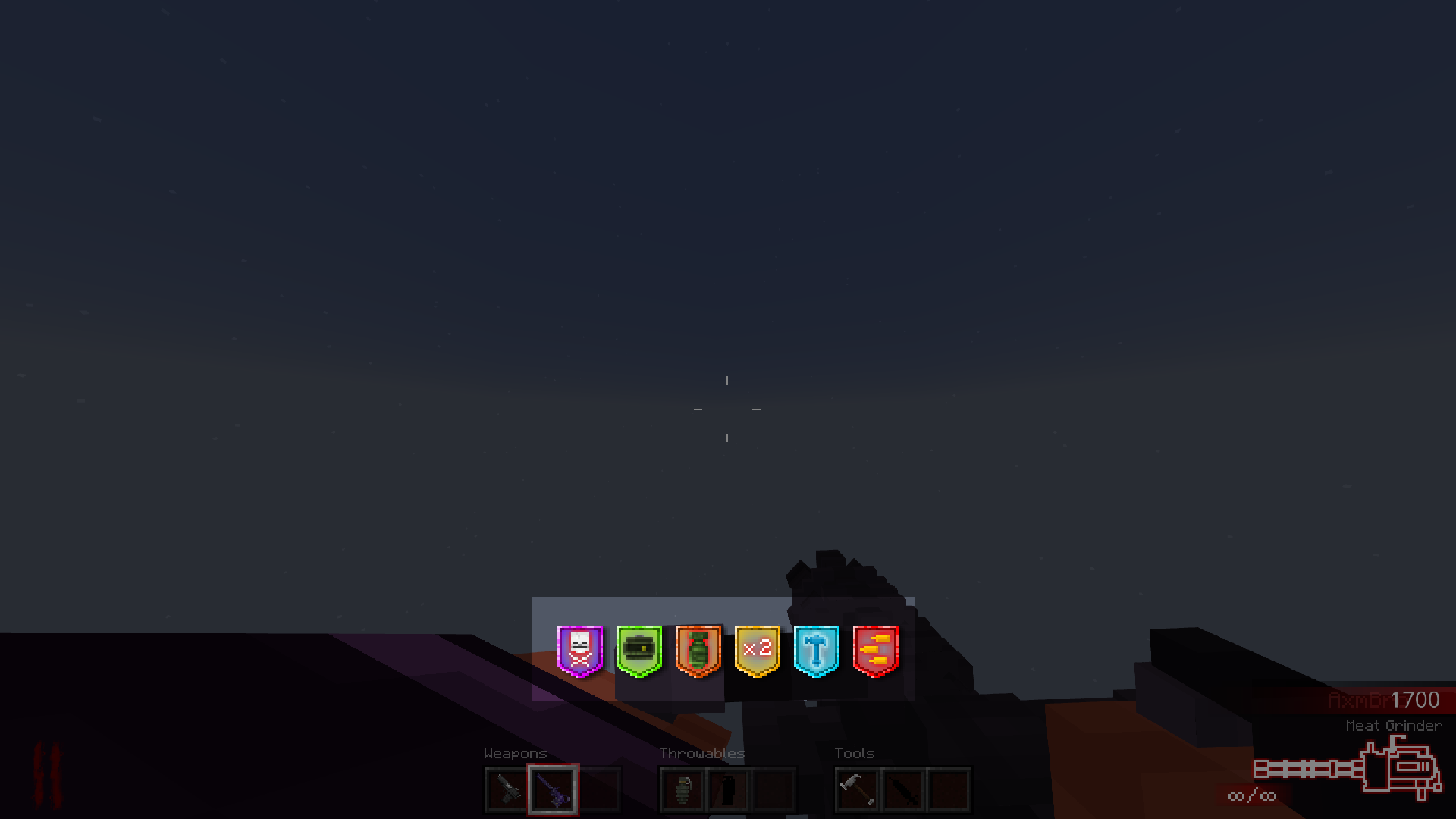
12. All Power-Ups
If player has more power-ups at the same time, they expand to fit everything in middle, of course with entry and exit animation!
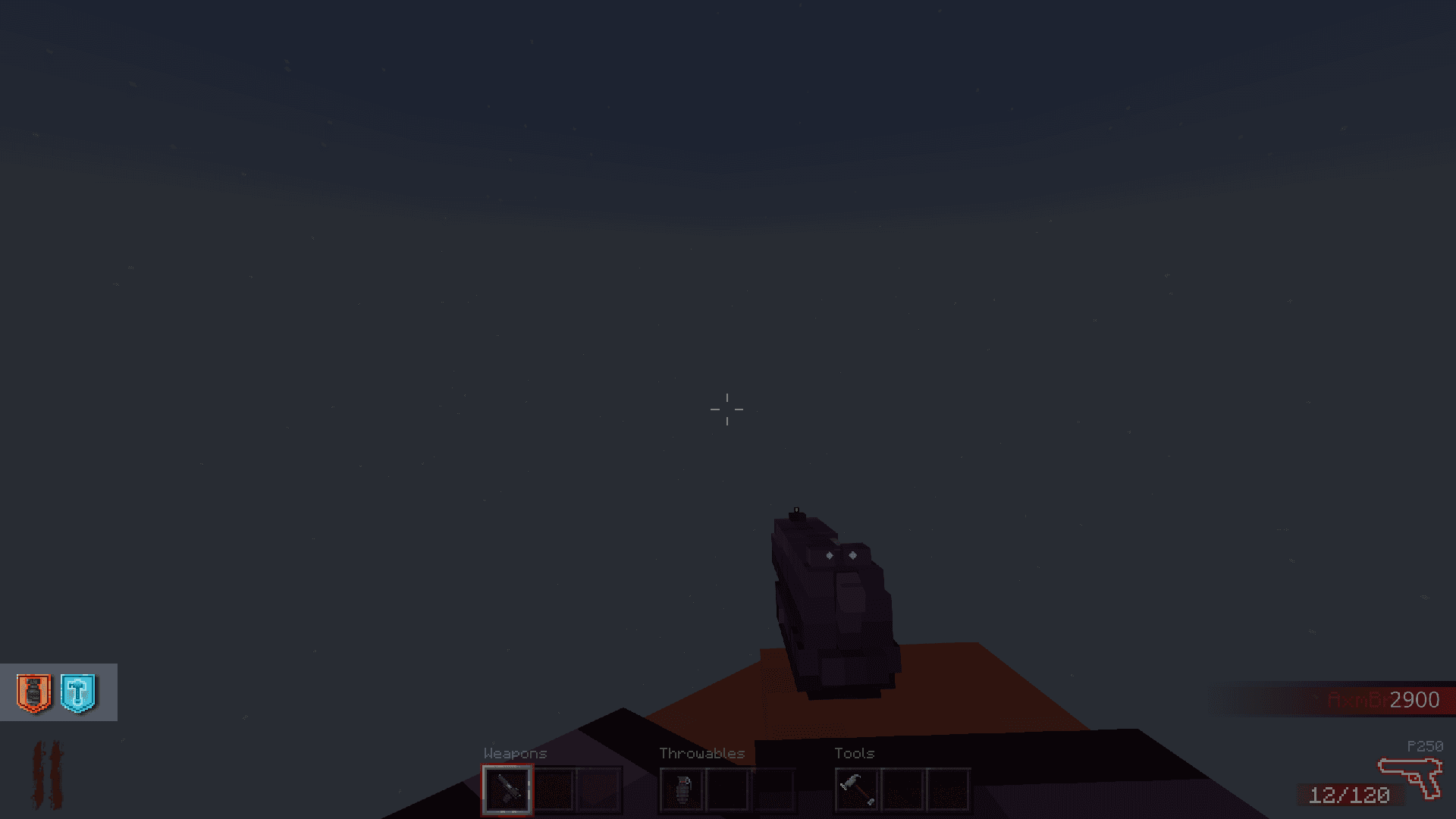
13. Perks
Positioned in bottom left corner above rounds element, used to indicate that player has certain buffs.
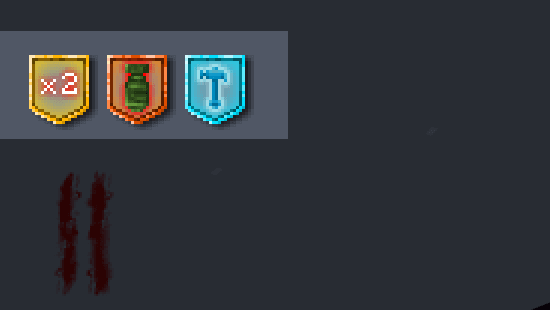
14. Closer look at perks
Icons use custom entry, exit, and close animations, and stay stuck to the left side.
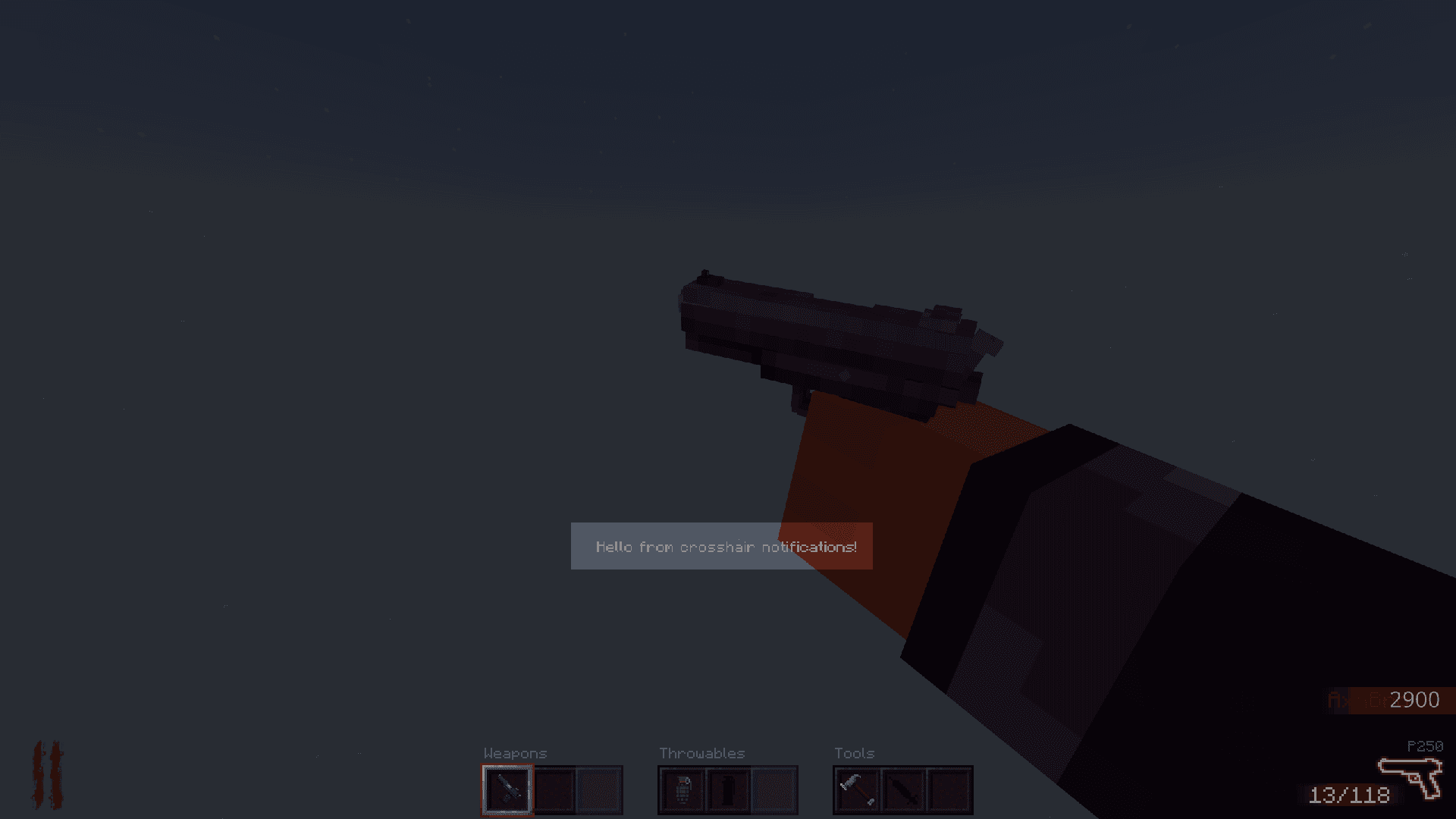
15. Crosshair notifications
Extra element for quick message to user.
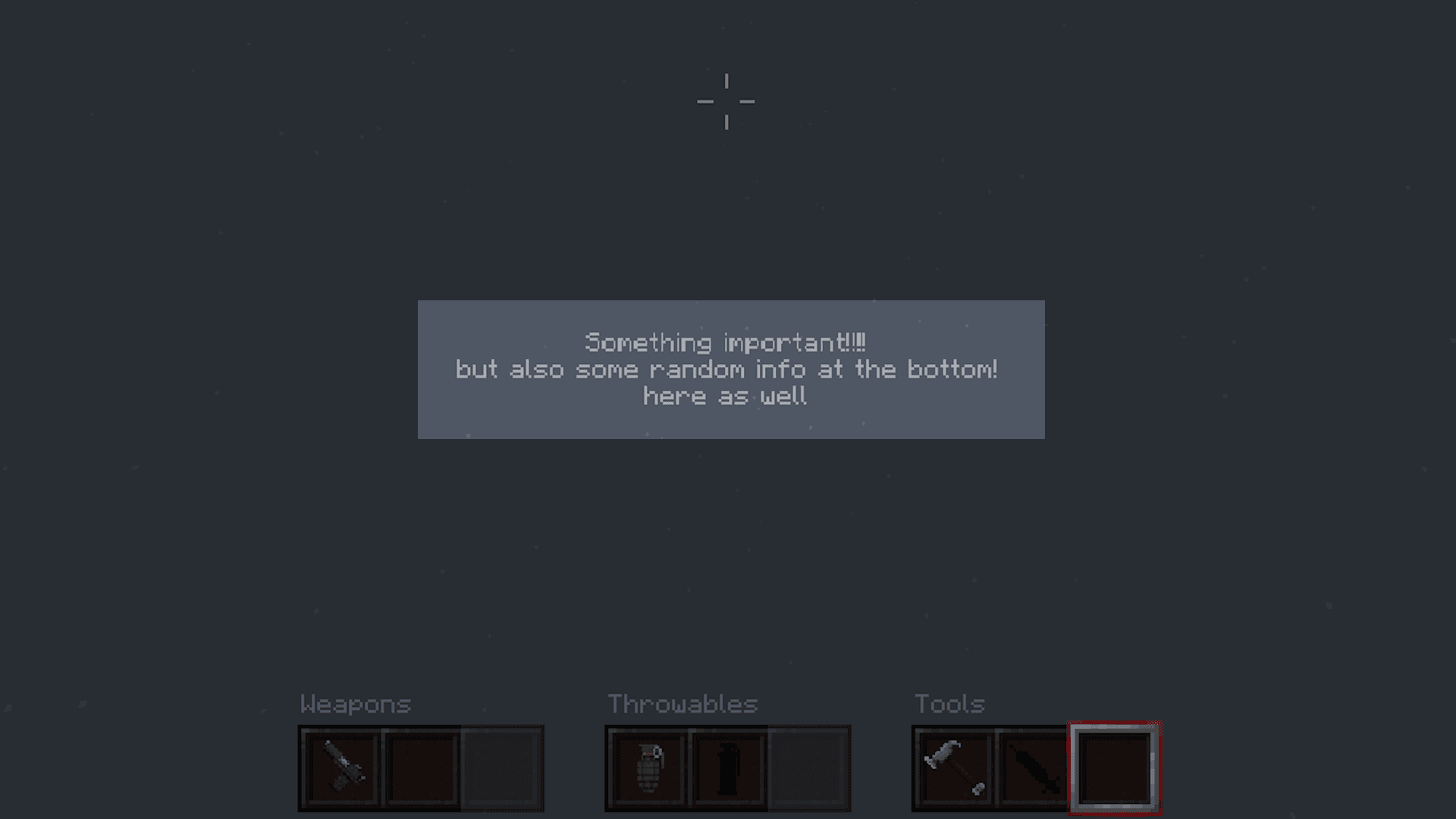
16. Closer look at crosshair notifications
Messages have entry and exit animations and can stack up to 4 lines.
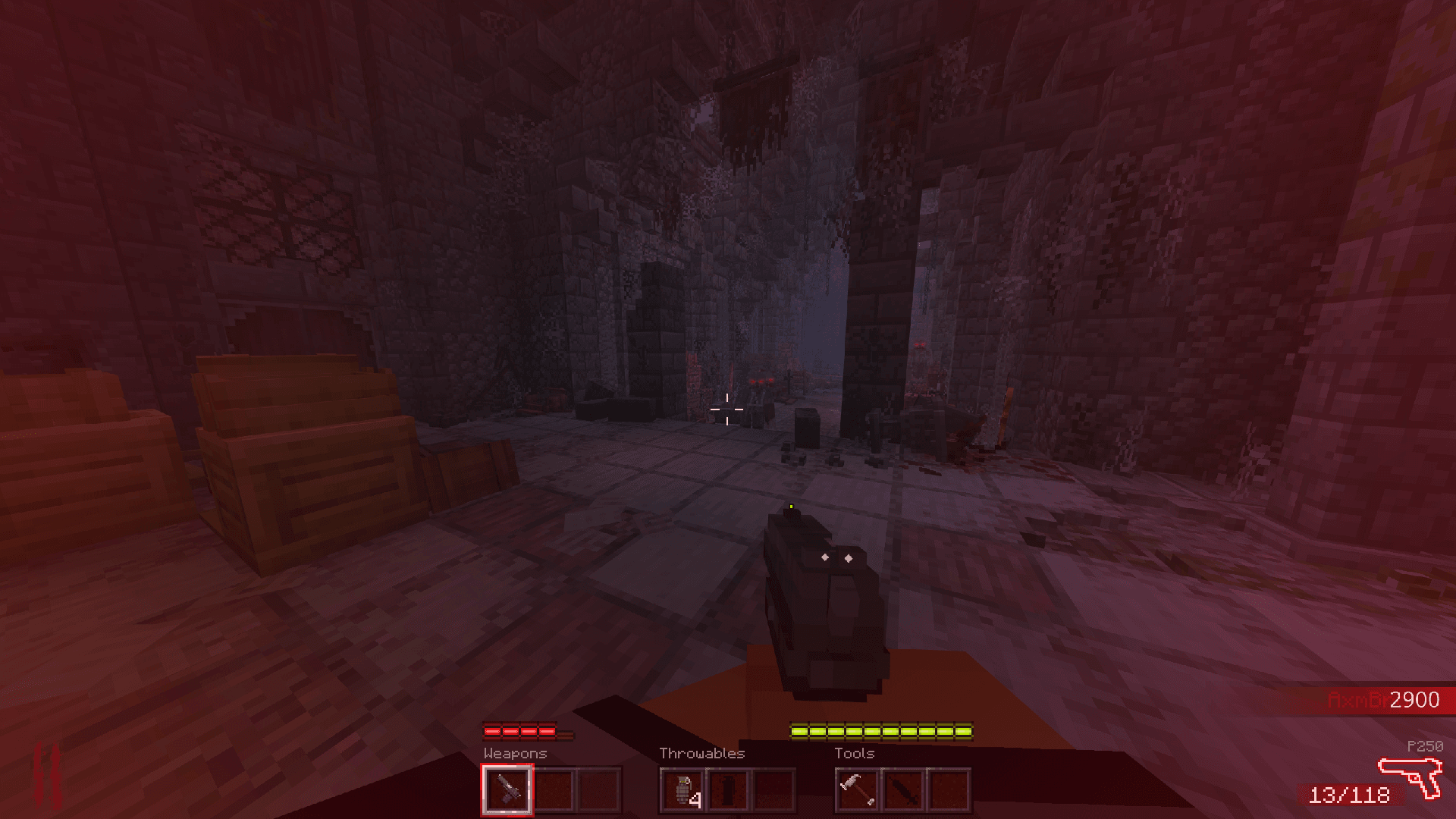
17. Hurt Flash
Whenever player receives damage and their health is not low, slightly red overlay appears.
18. Doubled Hurt Flash
When health is very low, overlay transparency is doubled. Both states have entry and exit animations.
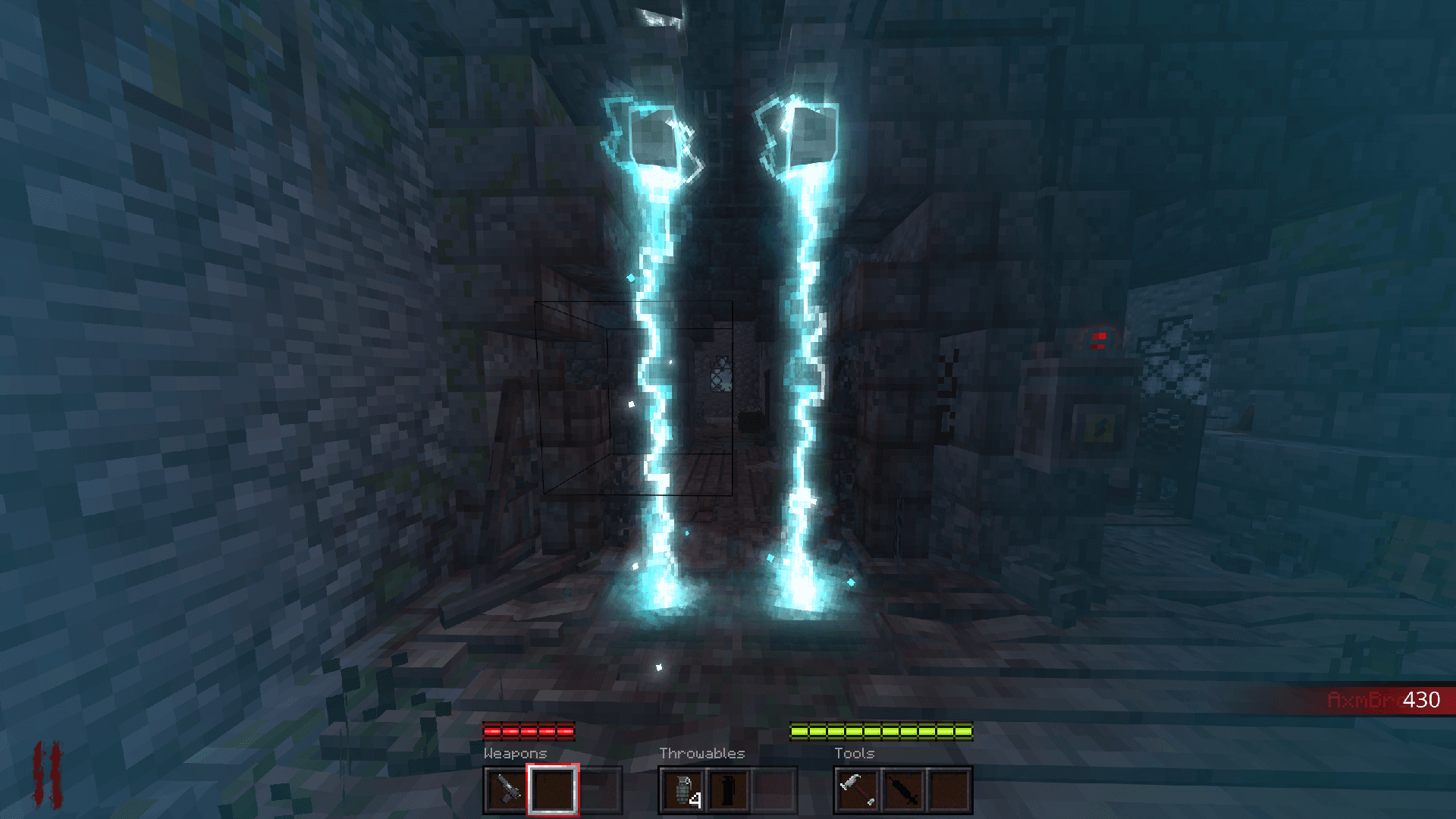
19. Electric Flash
Is visible when player walks through electric trap, blue overlay appears with entry animation and disappears smoothly as well.
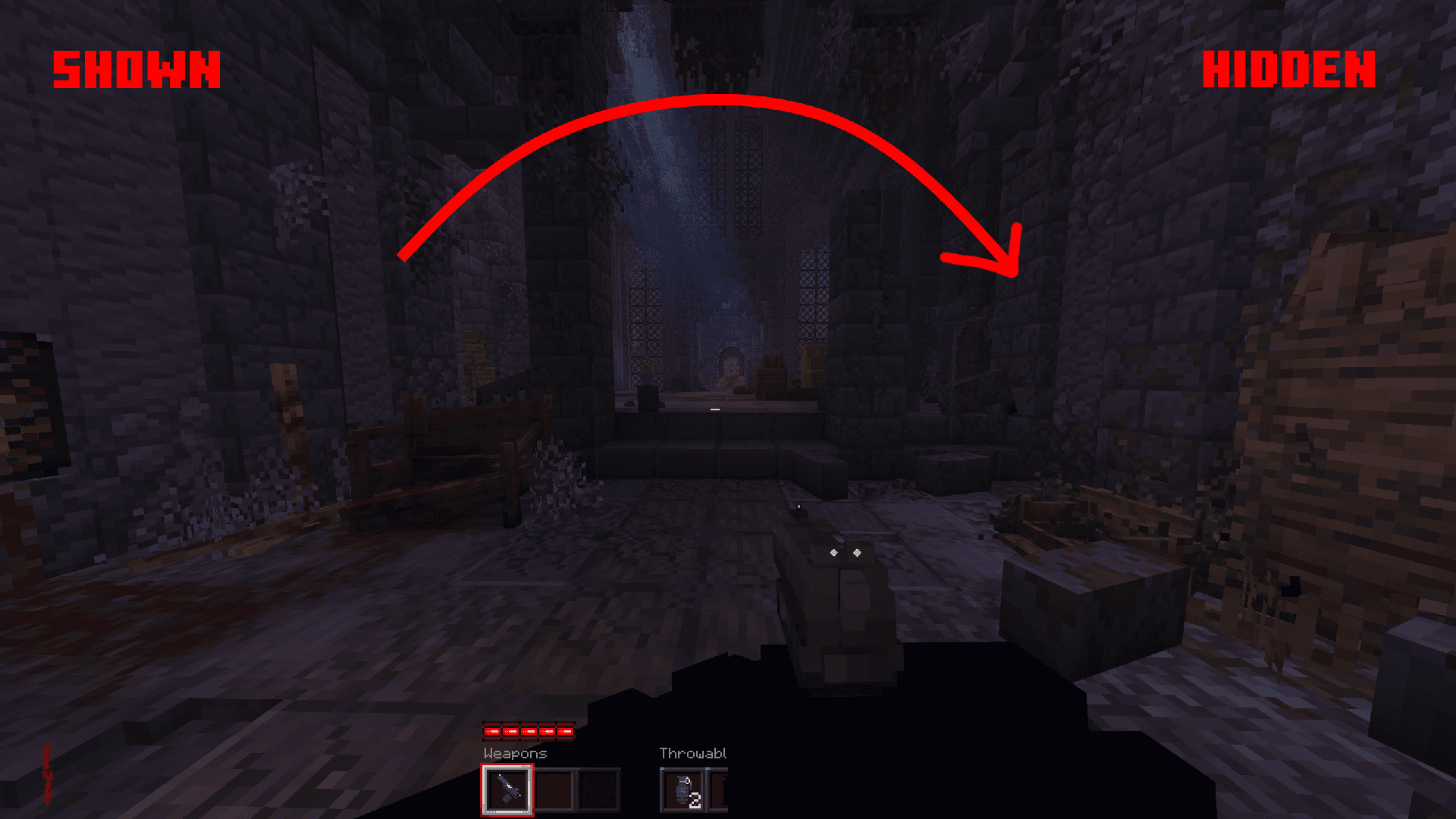
20. UI visibility (technical)
Custom command-driven toggle for HUD visibility during gameplay.
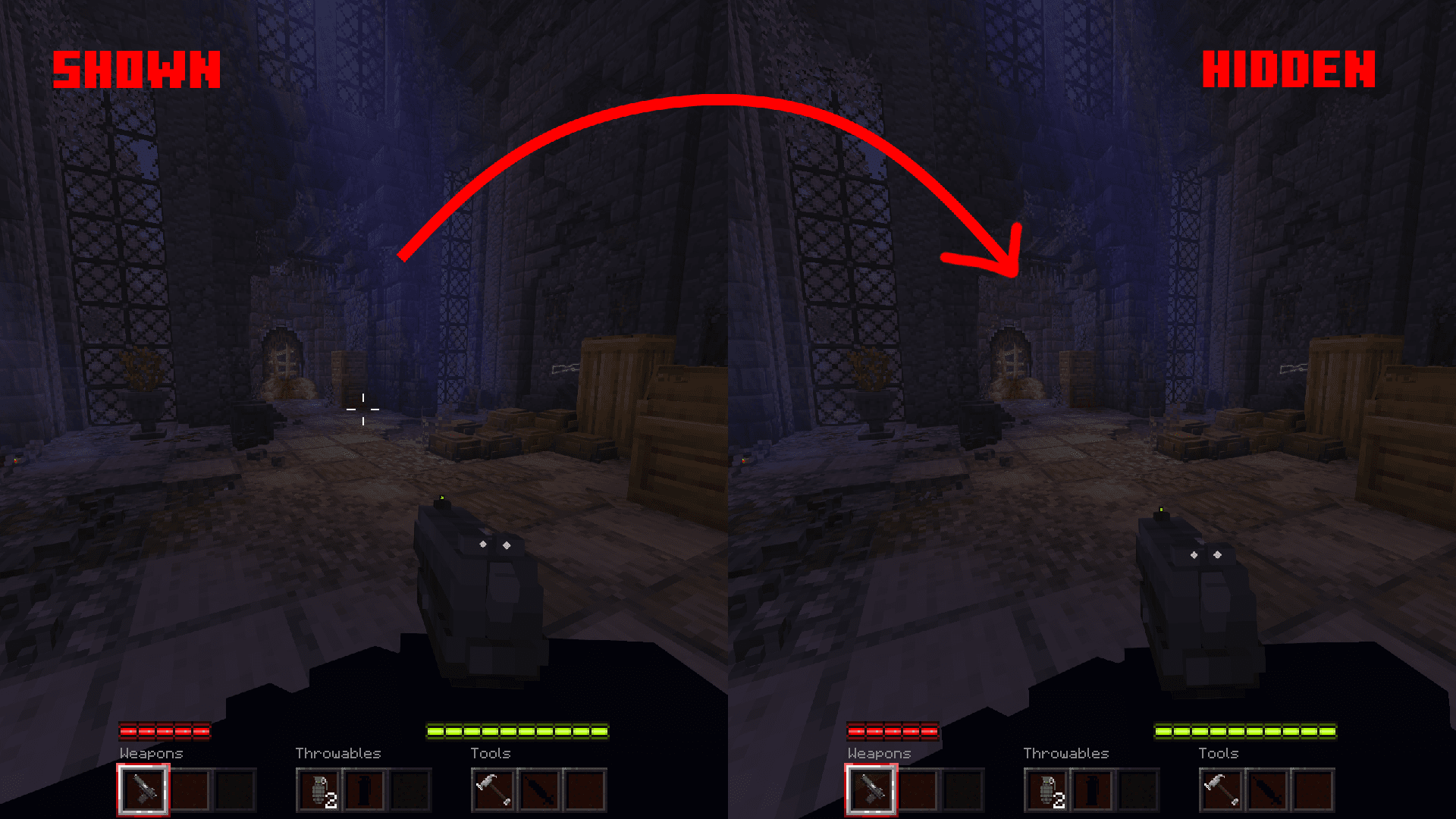
21. Custom Crosshair visibility (technical)
Same visibility control as the HUD, but for the custom crosshair only.
Showcase
Custom Inventory Screen
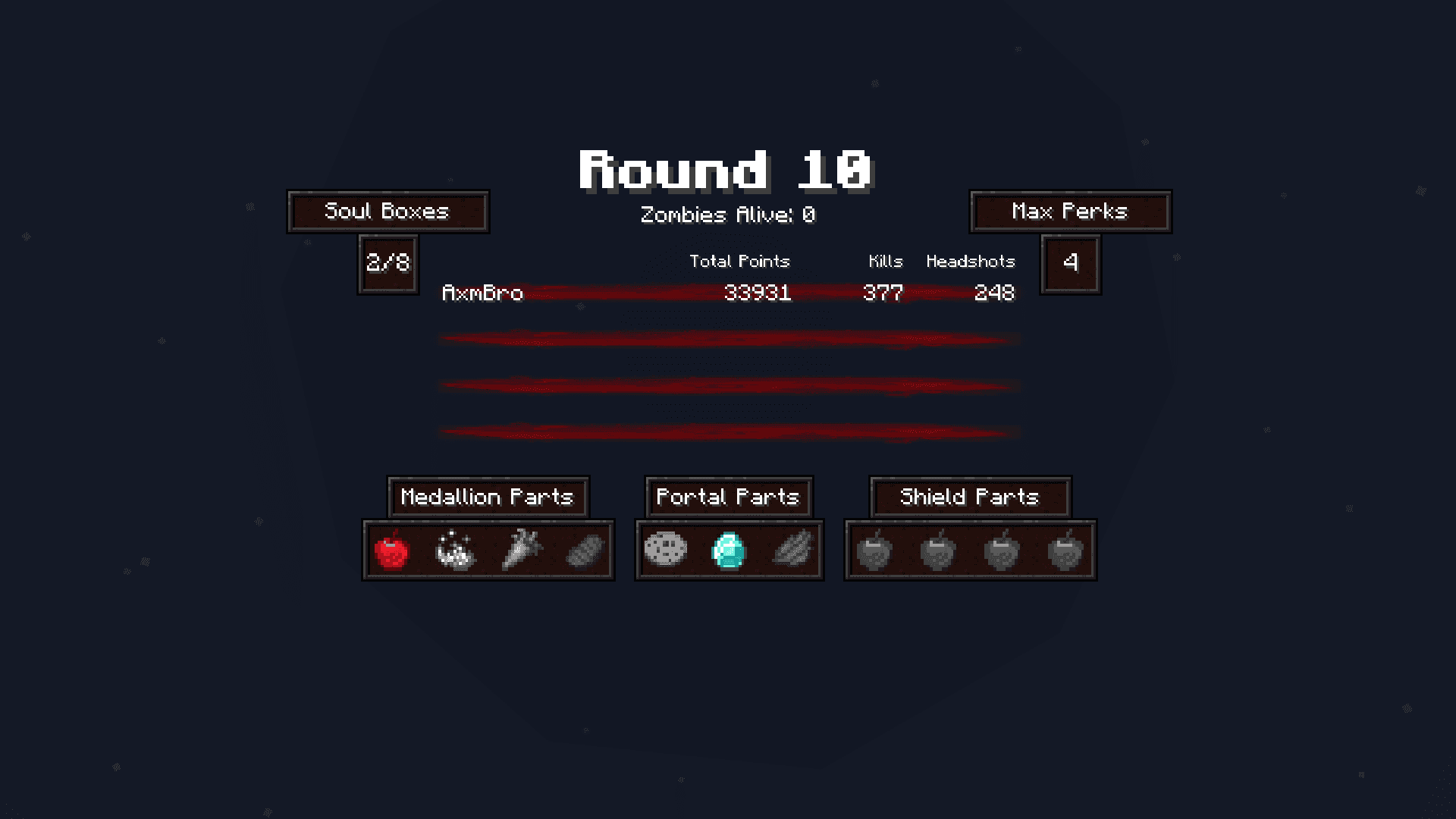
1. Custom Inventory Screen
Separated by updatable elements. Everything you see there can be changed.